Sync Your Invoices with Wave Accounting
Sync Your Invoices with Wave Accounting
This guide explores how you can seamlessly integrate your invoices with Wave Accounting using the invoice sync feature in .
Please note: Currently, status changes such as “paid” or “partially paid” are not automatically synced due to limitations within Wave. These updates will need to be made manually.
What is Wave Accounting
Section titled “What is Wave Accounting”Wave Accounting is a popular accounting and bookkeeping software tailored for small businesses, providing tools for tracking income, expenses, generating financial reports, and managing invoicing and payments.
How to Use the Invoice Sync Feature
Section titled “How to Use the Invoice Sync Feature”- **Access Integrations:
**Go to Settings (bottom left), then open Integrations
Search for Wave, click Manage, and enter your Wave credentials to connect your account.
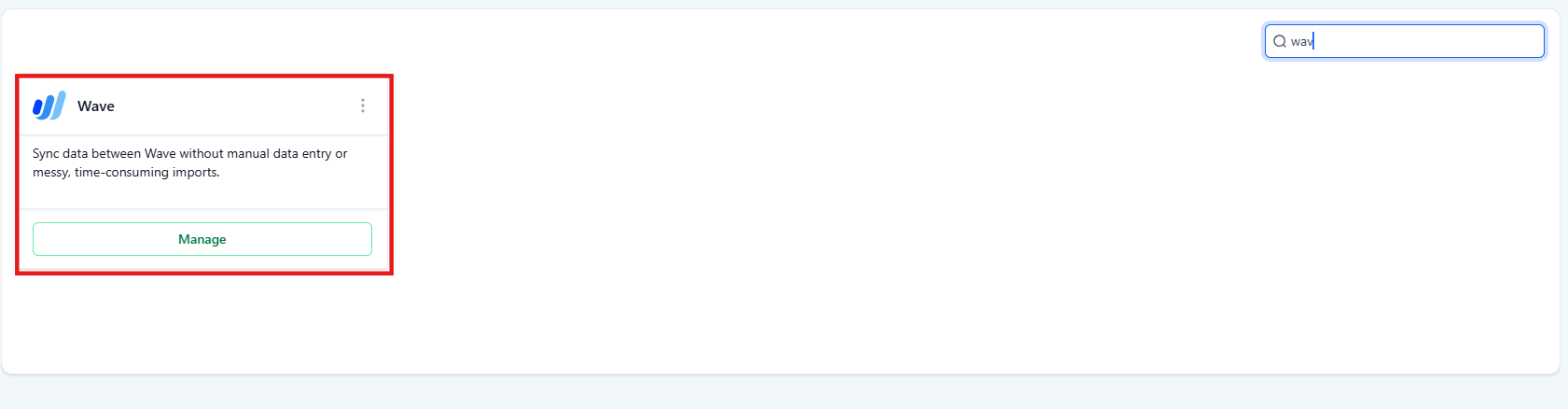
2. Click on Manage and enter your Wave credentials.

3. Connect Your Account:
Grant the necessary permissions to enable one-way syncing from to Wave.


4. Select an Account for Syncing:
Choose the account within Wave where you want your invoices to sync. Click Save to finalize the integration.

5. Start Syncing Invoices:
1.Any new or updated invoices created in after the setup will automatically sync to Wave.
Question: What does the invoice sync feature do? Answer: The feature syncs new or updated invoices from to your Wave account, eliminating the need for manual duplication.
Question: Can I sync invoice payment statuses? Answer: Currently, payment statuses like “paid” or “partially paid” are not synced. You’ll need to update these manually in Wave.
Question: How do I set up the integration? Answer: Navigate to Settings (bottom left) -> Integrations -> Wave, connect your account, select the desired Wave account for syncing, and click Save.
Question: Will existing invoices sync to Wave? Answer: No, the sync only applies to new or updated invoices created after the integration setup.
Question: Can I disconnect the integration later? Answer: Yes, you can manage or disconnect the integration anytime via the same Integrations section.
Question: Are there any limitations I should be aware of? Answer: Yes, payment status updates are not synced, and only new or updated invoices after integration setup will be synced.
Question: Does the sync work in both directions between and Wave?
Answer: No, the integration enables one-way syncing specifically from to Wave.