Understanding Funnel AI and How It Works
Creating high-converting funnels has never been easier with Funnel AI. This tool simplifies the funnel-building process by automating content generation, layout structuring, and industry-specific customization. By inputting a few details about your business, Funnel AI generates a fully functional funnel tailored to your objectives, saving you time and effort while ensuring a professional and effective design.
How to Use Funnel AI to Build a Funnel
Section titled “How to Use Funnel AI to Build a Funnel”Step 1: Navigate to the Funnels Section
Section titled “Step 1: Navigate to the Funnels Section”- Go to the Funnels section located within Sites.
- Click on ”+ New Funnel” to begin creating your funnel.
Step 2: Select Funnel AI
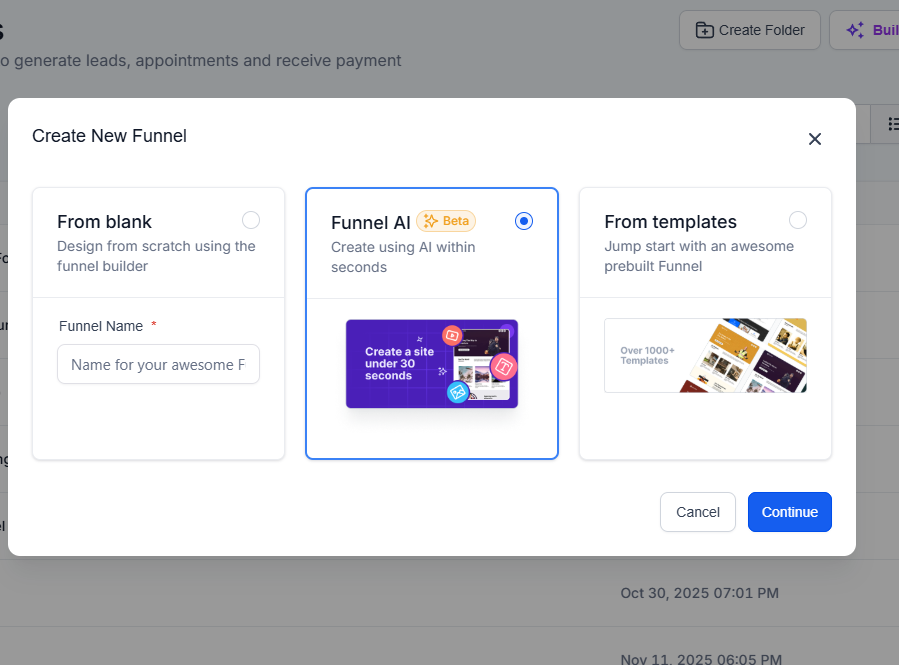
Section titled “Step 2: Select Funnel AI”- A pop-up window will appear.
- Choose “Funnel AI” and click “Continue” to proceed.
Step 3: Enter Your Business Name
Section titled “Step 3: Enter Your Business Name”- Type the name of your business in the provided field.
- This helps AI personalize the funnel based on your business identity.
Step 4: Select Your Industry
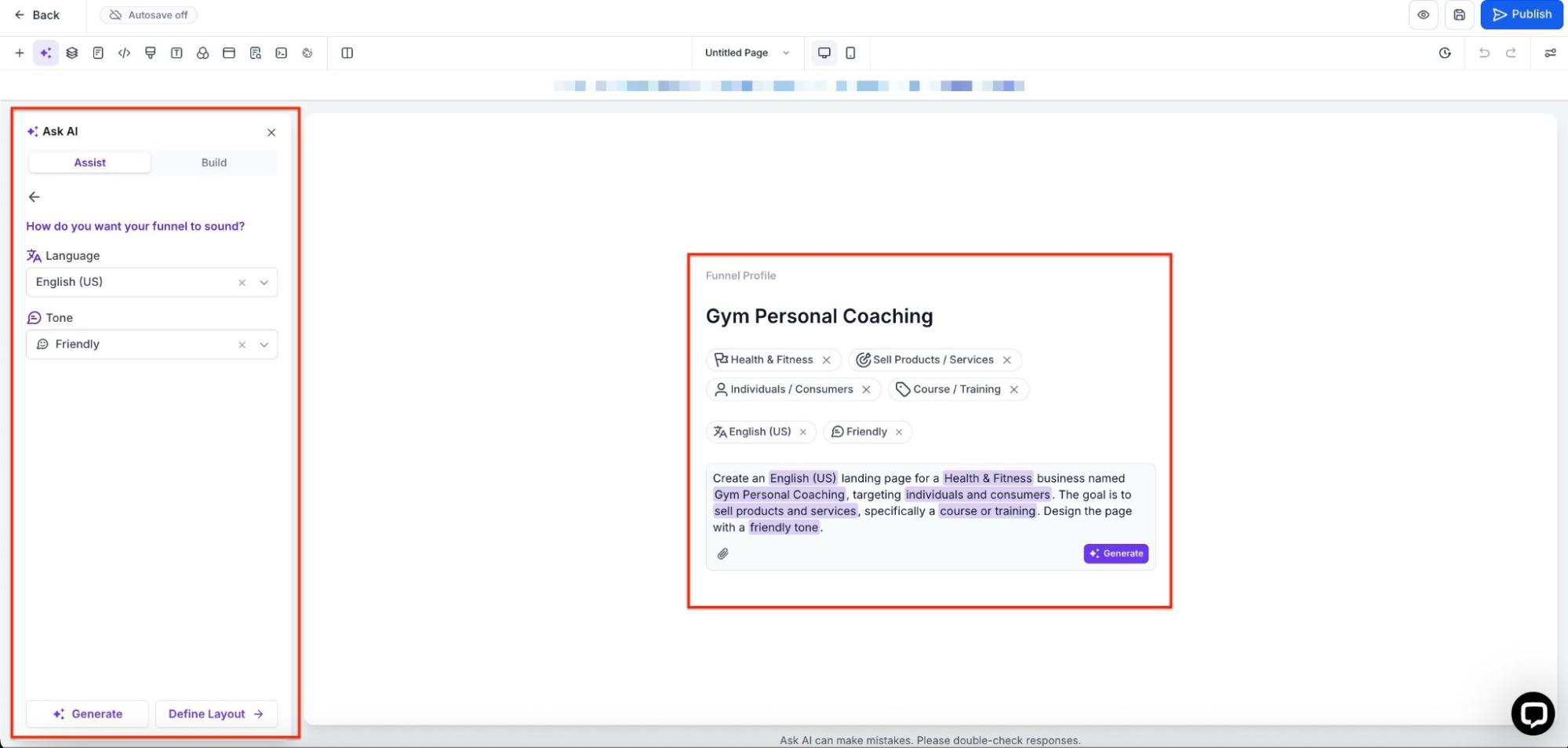
Section titled “Step 4: Select Your Industry”- Use the dropdown menu to choose your industry.
- Example: If you run a hair salon, select “Hair Salon” from the list.
- Click “Next” to move forward.
Step 5: Define Your Funnel Objective
Section titled “Step 5: Define Your Funnel Objective”- Choose the goal of your funnel (e.g., lead generation, appointment booking, sales conversion).
- Selecting the right objective ensures that the AI builds a funnel aligned with your needs.
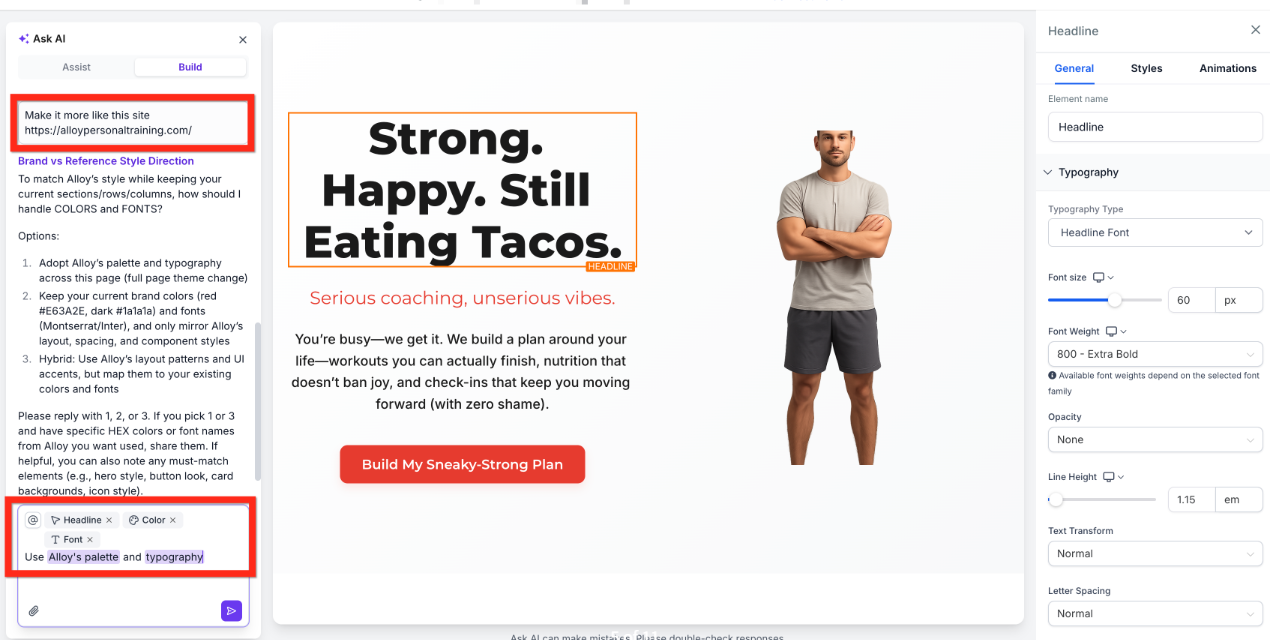
Step 6: Customize Content Tone
Section titled “Step 6: Customize Content Tone”- Select how the content on your funnel should sound (e.g., professional, engaging, conversational).
- This helps ensure your funnel resonates with your audience.
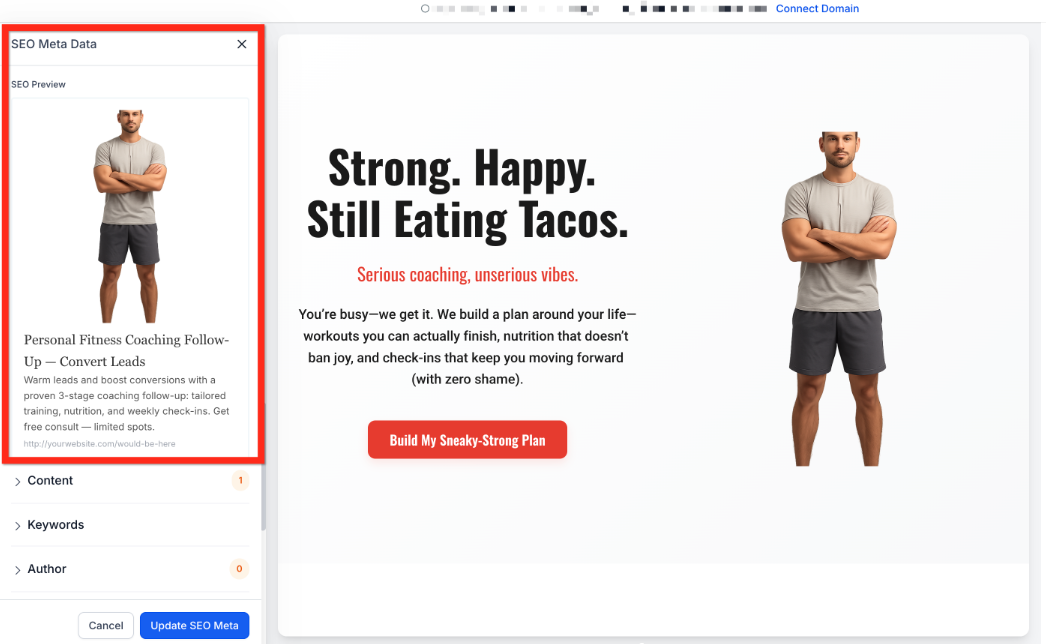
Step 7: Generate Your Funnel
Section titled “Step 7: Generate Your Funnel”- Click “Generate” and wait a few seconds while AI builds your funnel.
- AI will automatically design the layout, structure, and content for your selected industry and objective.
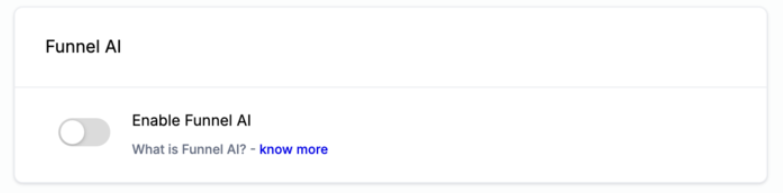
Step 8: Review and Customize
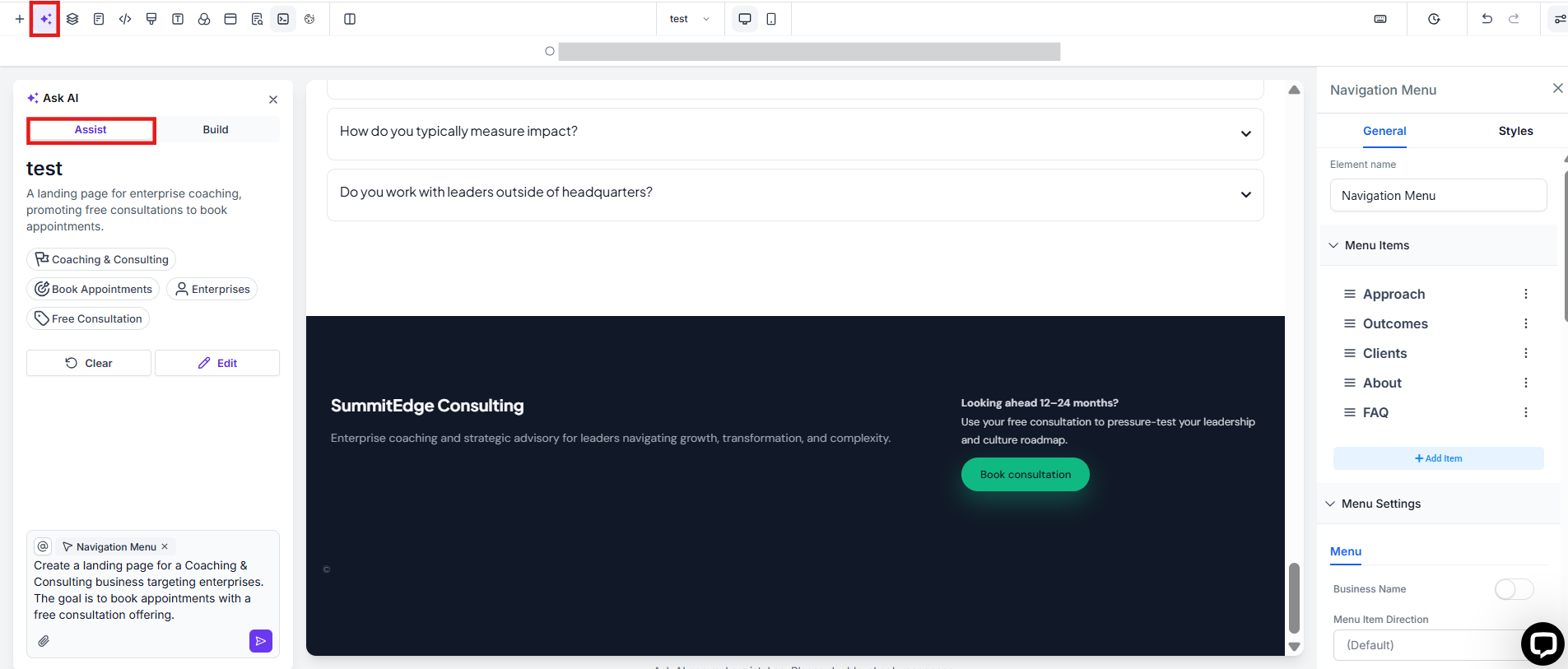
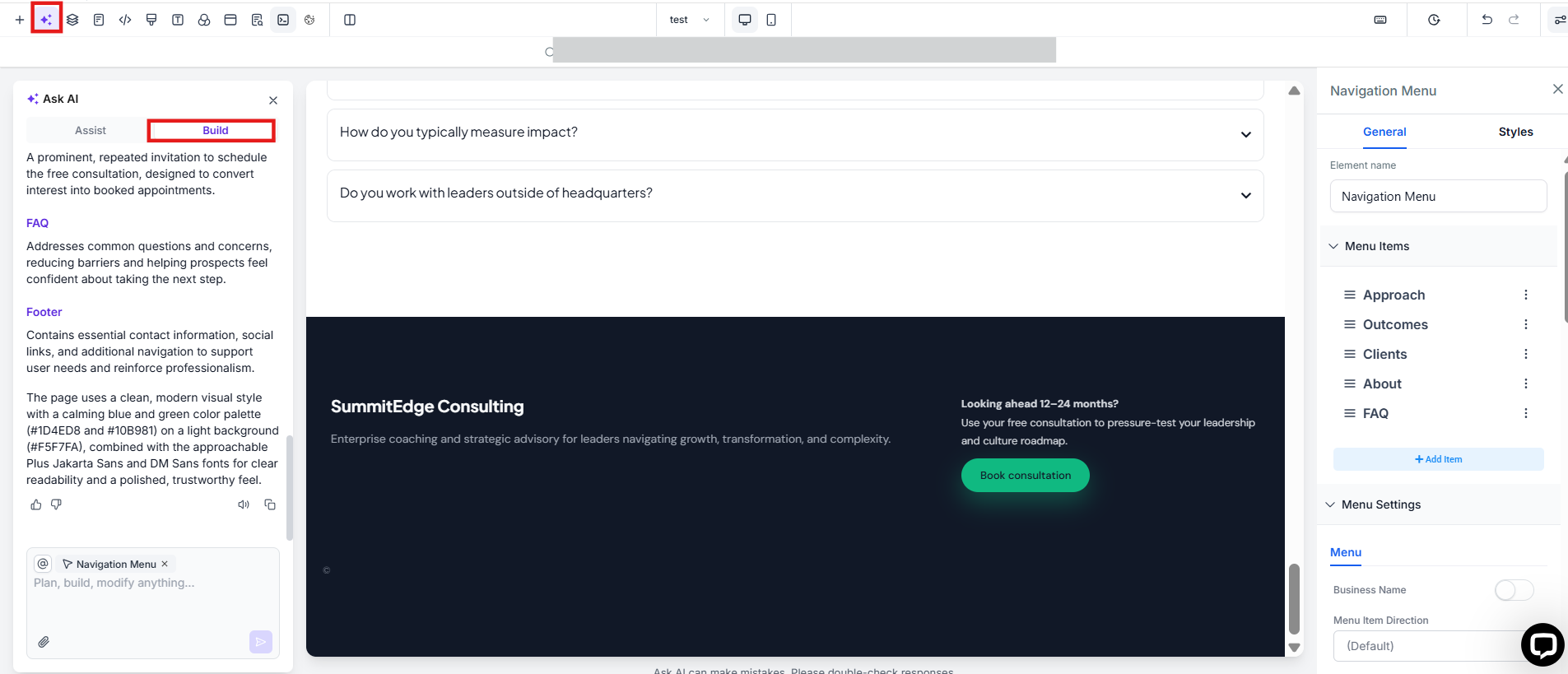
Section titled “Step 8: Review and Customize”- Once the funnel is generated, review its structure and content.
- Make any adjustments if needed before publishing.
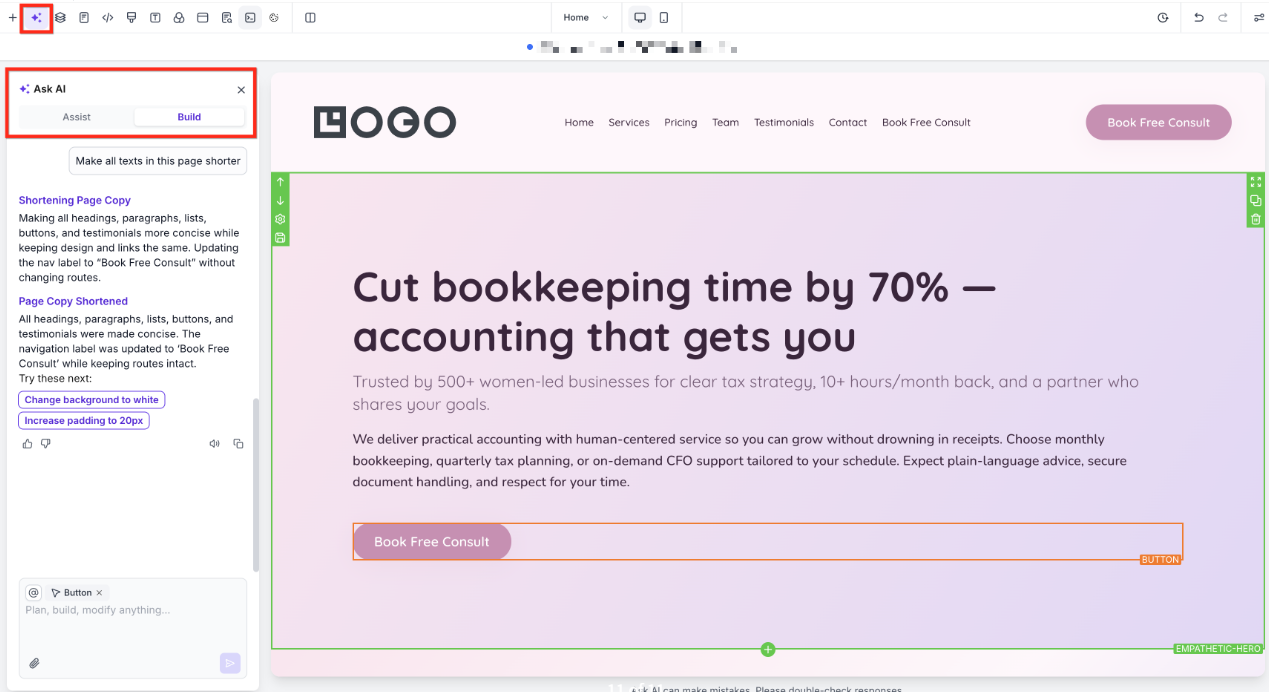
Question: Can I edit the funnel after AI generates it? Answer: Yes! You can manually edit the funnel layout, text, images, and call-to-action buttons after AI generates it.
Question: What industries are supported? Answer: Funnel AI supports a variety of industries, including healthcare, beauty, real estate, education, fitness, and more.
Question: How long does it take for AI to generate a funnel? Answer: The process takes only a few seconds. Once generated, you can review and customize the funnel as needed.
Question: Can I change the tone of the content after generating the funnel? Answer: Yes! You can adjust the tone and messaging of the funnel at any time to better match your brand voice.
Question: Is the AI-generated content optimized for conversions? Answer: Yes, Funnel AI structures the content based on best practices for conversion optimization, ensuring that the funnel aligns with your business goals.
Question: Does Reviews AI work across all social media platforms? Answer: Reviews AI is compatible with major review platforms like Google and Facebook, ensuring your responses remain consistent across different channels.
Question: Do I need to know coding to use Funnel AI? Answer: No, Funnel AI is designed for non-technical users. It provides pre-built structures that can be easily customized without coding.
Question: What if my specific business goal isn’t just “making a sale”?
Answer: Funnel AI allows you to Define Your Funnel Objective in Step 5. You can select goals such as lead generation or appointment booking. The AI then designs the layout and structure specifically to drive users toward that specific action.
Question: Will the AI-generated funnel include my logo?
Answer: If you have already uploaded a logo to your Business Profile settings, the AI will often attempt to place it in the header. If not, you can simply click the image placeholder in the header and upload your logo in one click.